
Faithful instructions
Describe subject, setting, lighting, mood, framing, and style in direct language so the visual stays aligned with the brief.
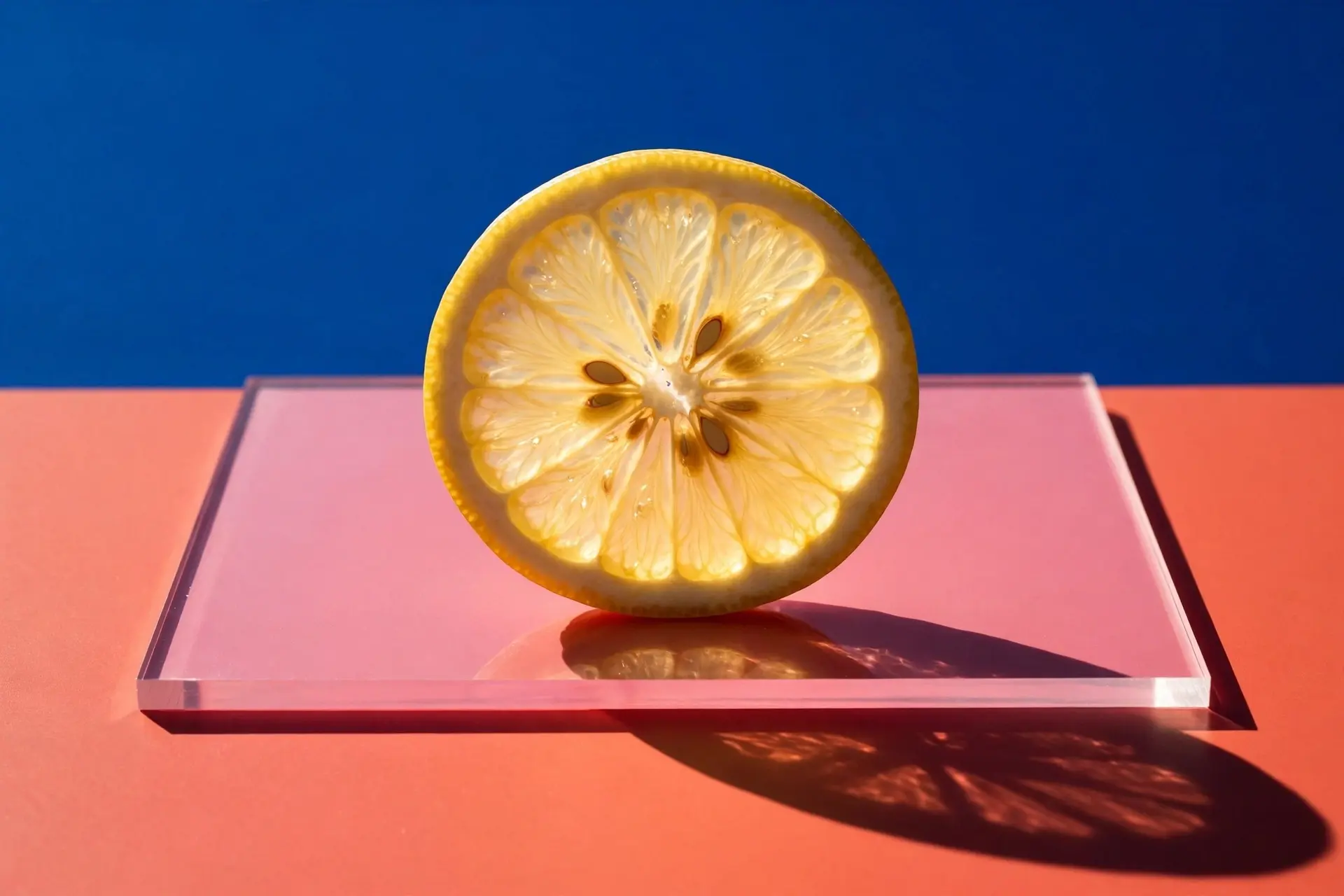
An AI image generator built for prompt fidelity, precise edits, and coherent multi-reference composition. Turn detailed creative direction into polished visuals with Muse Image AI.
The Muse Image editor turns text or one uploaded reference into a polished visual. Results are created with GPT Image 2 through KIE and saved to your account.
Aspect ratio
Resolution
Sign in to upload references, use credits, and keep your creation history.
Your result will appear here.
Define the visual idea, refine references, and carry the same prompt discipline into animation and native-audio video.
Describe subject, setting, lighting, mood, framing, and style in direct language so the visual stays aligned with the brief.
Use focused revision notes for local changes, background updates, object swaps, and final art direction.
Combine references for identity, product detail, color systems, environment cues, and campaign mood.
Keep visual systems consistent across product shots, launch artwork, thumbnails, and storyboard frames.
Shape visuals for creator workflows such as feed posts, thumbnails, ads, campaign stills, and idea boards.
Turn a strong still frame into a better video prompt by carrying over composition, motion, ambience, and sound direction.
Prompt workflow
Strong results begin with a prompt that reads like a compact creative brief. Give the AI image generator enough structure to understand what matters, while leaving room for coherent visual decisions. The following workflow helps you move from a rough idea to a prompt that is easier to generate, edit, compare, and reuse.
Start with the primary subject, then state where it sits in the frame and how the viewer should encounter it. Describe camera distance, angle, orientation, negative space, and the relationship between foreground and background. A phrase such as close product portrait, low camera angle, centered subject, and generous space on the left gives the Muse Image generator a concrete layout instead of a loose list of objects. Add secondary details only after the main visual hierarchy is clear.
Name the dominant light source, its direction, softness, color temperature, and effect on the scene. Then describe the physical qualities that should remain visible: translucent glass, brushed metal, wet pavement, soft fabric, or matte paper. Connect color choices to a purpose rather than listing random hues. Warm practical lights against a cool blue environment communicates contrast, depth, and mood more clearly than simply asking for cinematic colors.
When you upload a reference, explain what it controls: subject identity, product shape, palette, texture, framing, or atmosphere. For an edit, state what must remain unchanged before describing what should move, disappear, or be replaced. This order reduces accidental drift. Instead of asking to improve everything, preserve the face, camera position, and clothing, then replace the background with a quiet evening station and match the new light to the existing shadows.
Judge the result against the original direction rather than general beauty. Check subject accuracy, composition, readable materials, lighting logic, unwanted text, repeated objects, and consistency across references. Revise one category at a time so each change has a clear purpose. A focused second prompt such as keep the composition and palette, reduce reflections on the package, and add softer edge light is easier to follow than rewriting the entire request after every generation.
Arena benchmark
Official Arena AI Leaderboard results reported by Meta place Muse Image second in text-to-image, single-image editing, and multi-image editing. Switch between the three leaderboards to compare the published scores.
GPT Image 2
OpenAI
1385±5
Muse Image
Meta
1280±7
Reve 2.0
Reve
1271±7
Nano Banana 2
1270±4
MAI Image 2.5
Microsoft AI
1257±5
Nano Banana 2 Lite
1253±9
Nano Banana Pro 2K
1245±4
GPT Image 1.5 HF
OpenAI
1241±3
Nano Banana Pro
1232±5
Grok Imagine Quality
xAI
1229±5
Arena AI Leaderboard · July 5, 2026 · Reported in Meta AI's official Muse announcement.
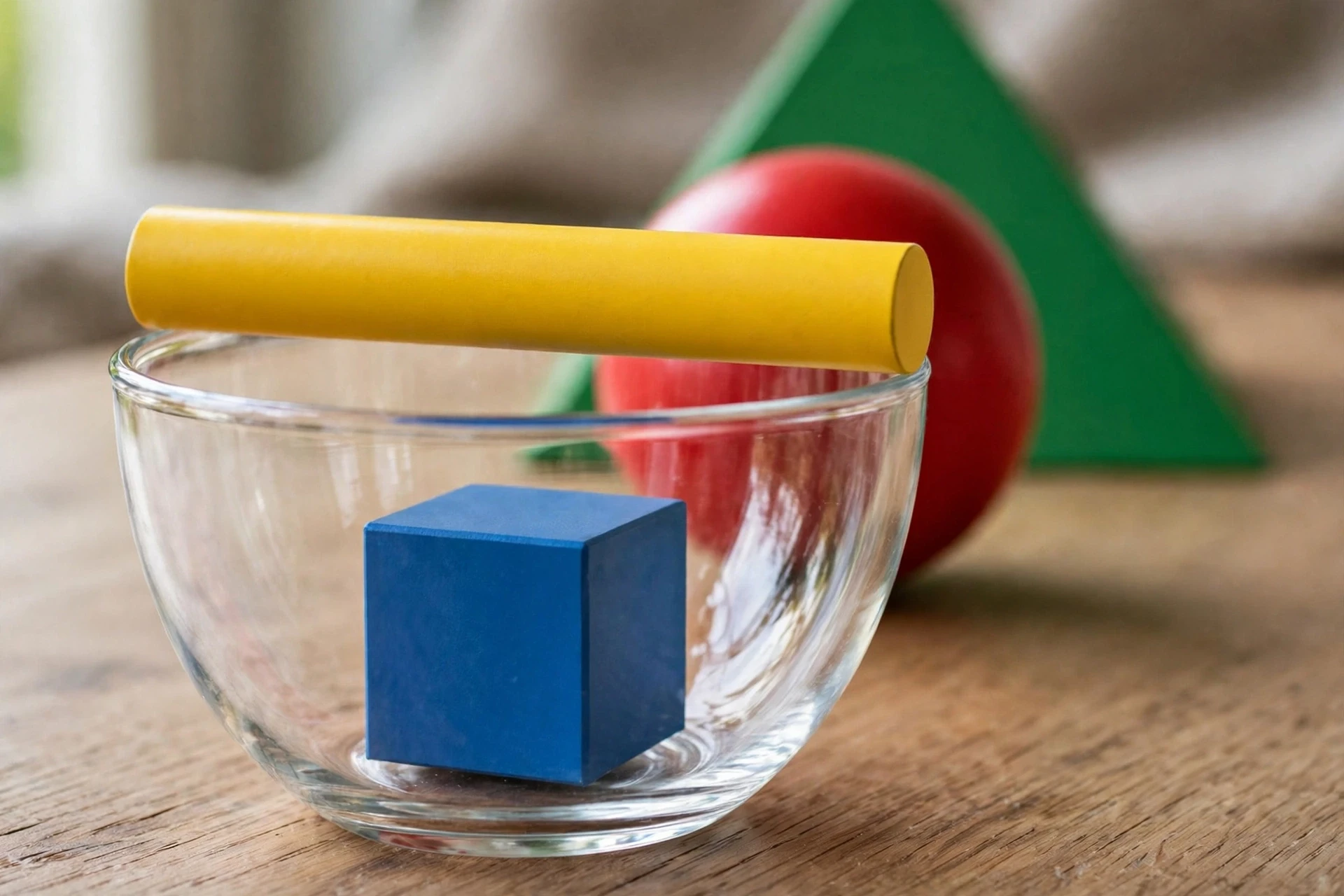
Use shape, material, scale, color, and depth as separate prompt signals to keep a clean scene intentional.
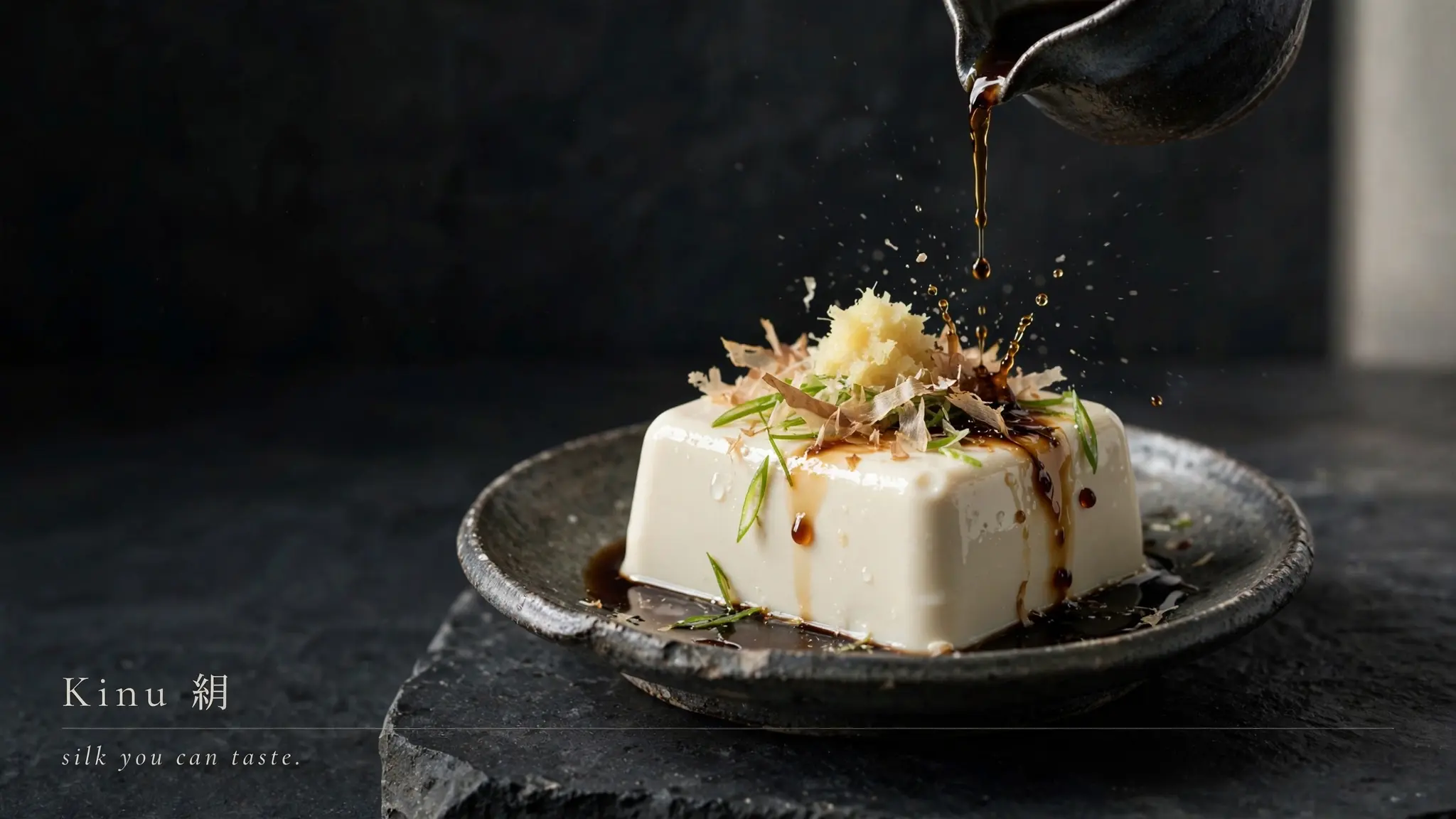
Specify surface, lighting, styling, camera angle, and negative space before adding motion to the scene.
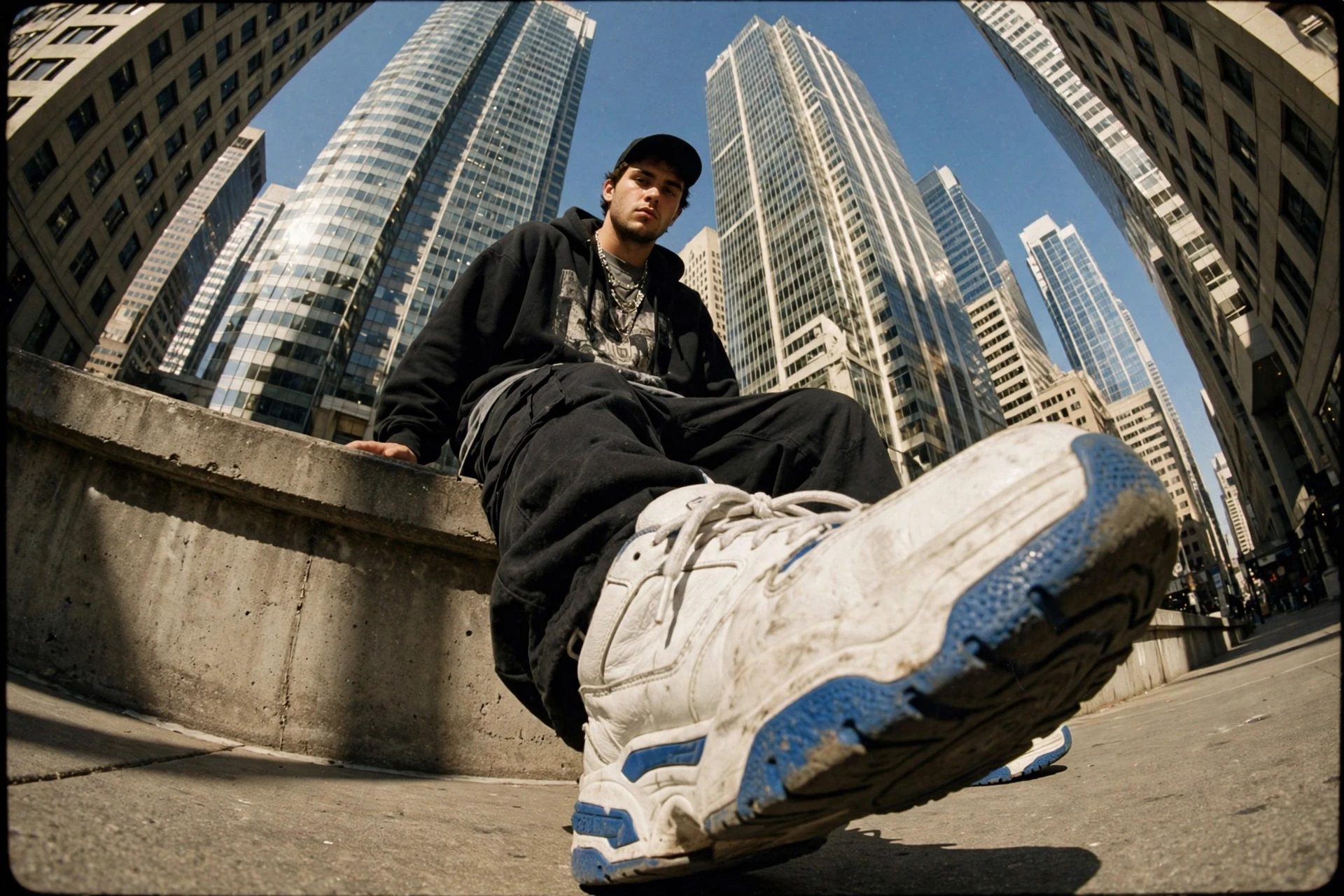
Lock wardrobe, pose, perspective, environment, and lens feel into one readable visual direction.
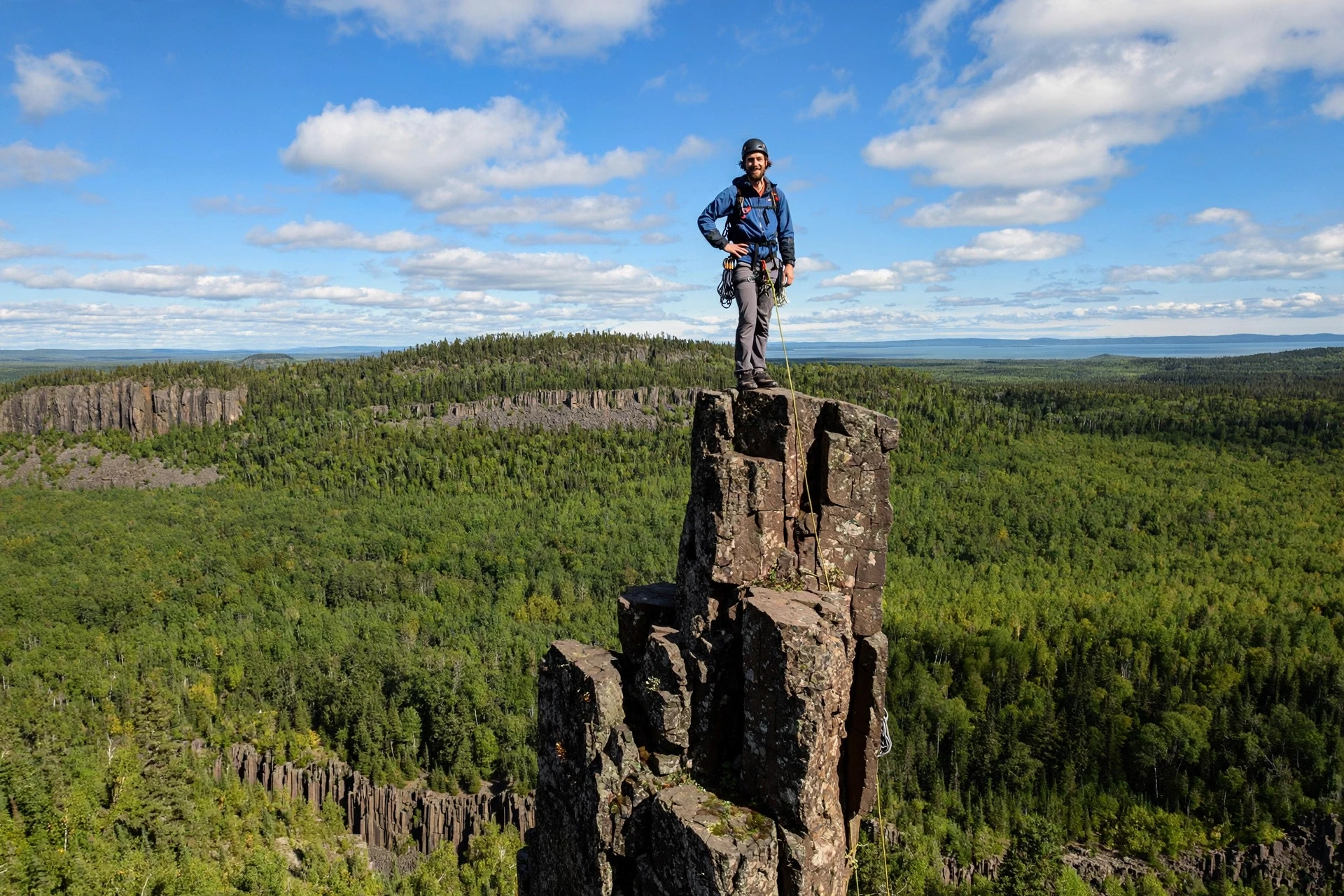
Define horizon, terrain, weather, subject scale, and camera distance before planning movement.
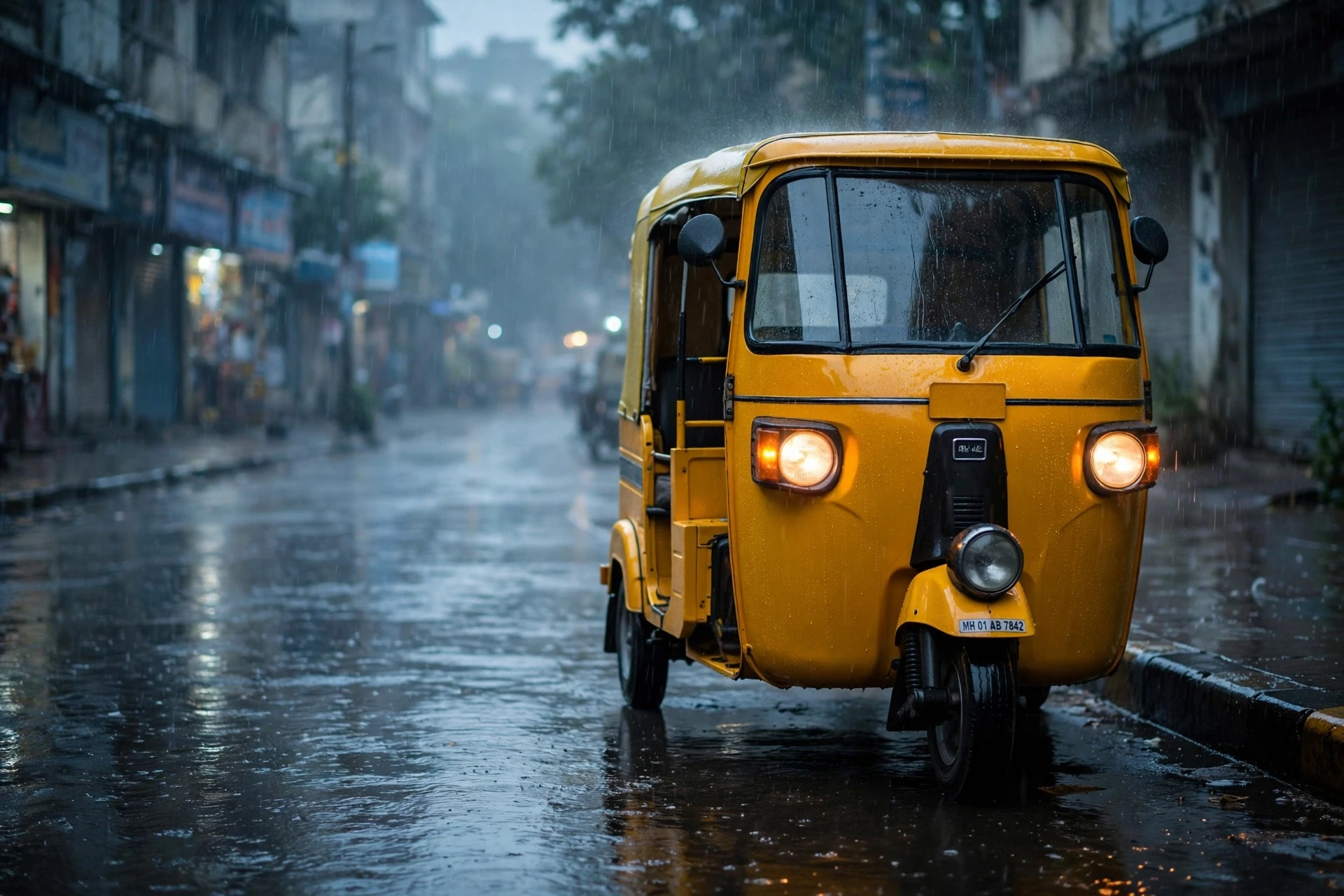
Describe weather, reflections, practical lights, color contrast, and scene depth to establish the mood.
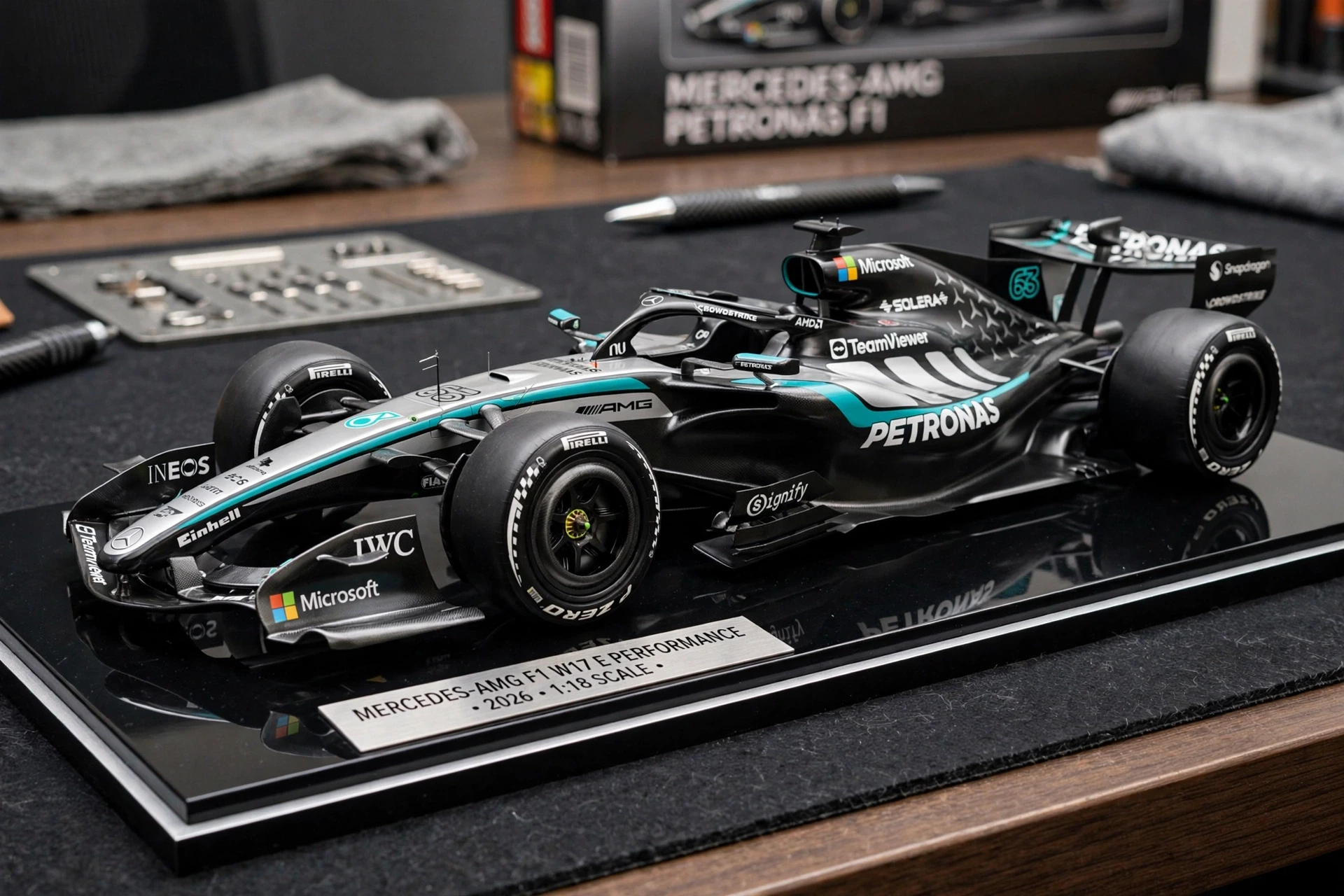
Still-frame planning helps define materials, reflections, surface treatment, props, and brand presentation.
FAQ
Use MuseImage to create from text, edit a reference, and keep the result ready for later design or video work.
Yes. Choose Create for a new composition, or Edit when you want to upload a reference and describe a change.
Give each reference a job: subject identity, product detail, color palette, environment, framing, texture, or mood.
Good edit notes are local and concrete: say what should change, what must remain fixed, and how the final frame should feel.
Keep the subject, composition, and lighting from the still frame, then add camera movement, timing, subject motion, ambience, and sound direction.
Yes. The hero and examples are locally stored copies downloaded from Meta AI's official Muse announcement.
Start from text or edit a reference, then download the finished result from your account.